What you need to create game marketing assets
You need three things: game screenshots or concept art, an AI image generator that supports editing, and a clear brief for each asset. Vibart AI is the only major platform that combines generation with a full editing canvas, making it ideal for game marketing.
The workflow is: generate → edit → export → iterate. This is 5–10x faster than traditional design pipelines, especially for teams without dedicated art staff.
Step 1: create Steam capsule images
Steam capsule images should communicate genre, mood, and quality. Start with a game screenshot or concept description. Use Vibart AI to generate multiple directions, then refine the best option in the canvas. Add your game title as editable text, not rendered letters.
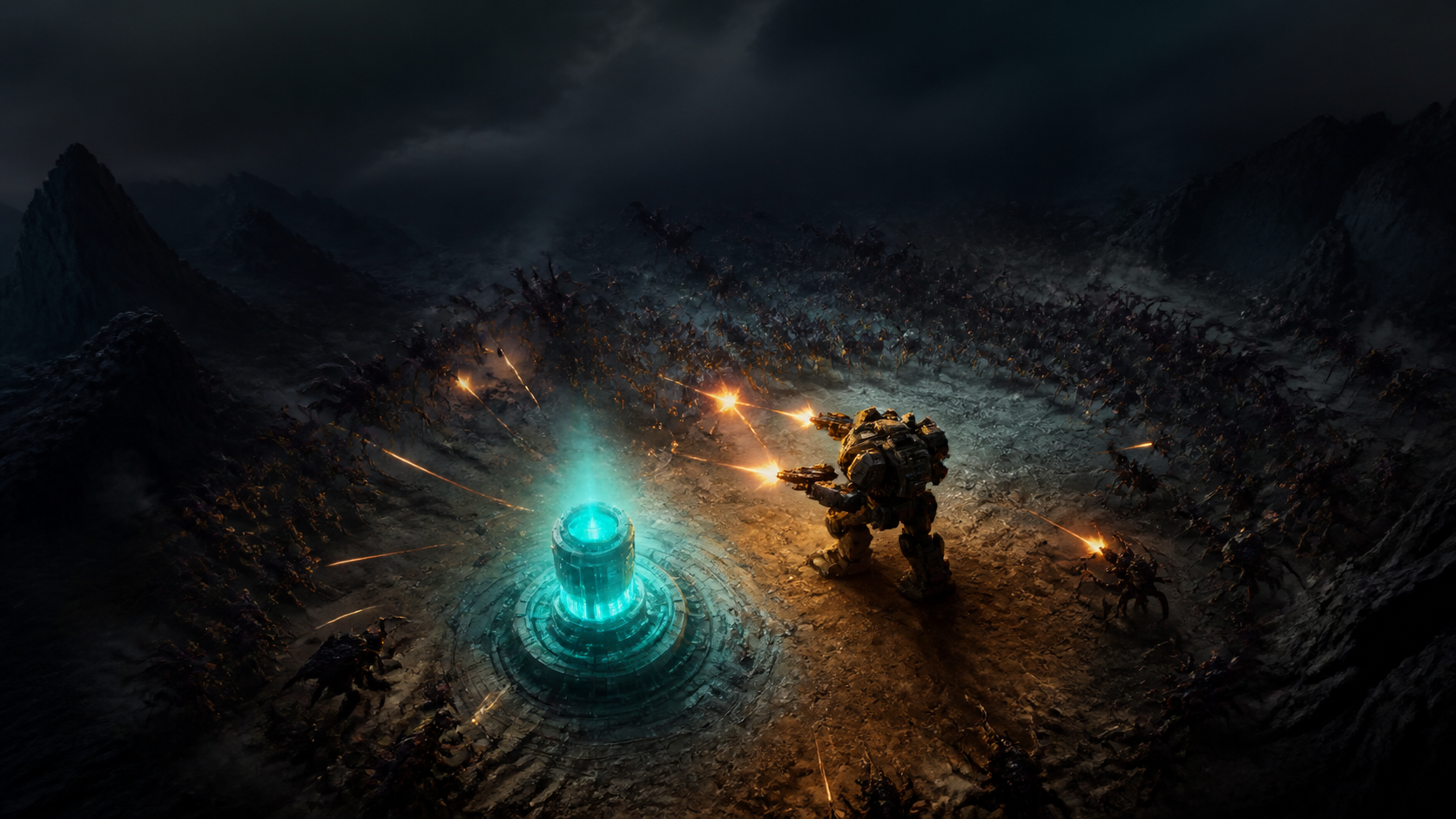
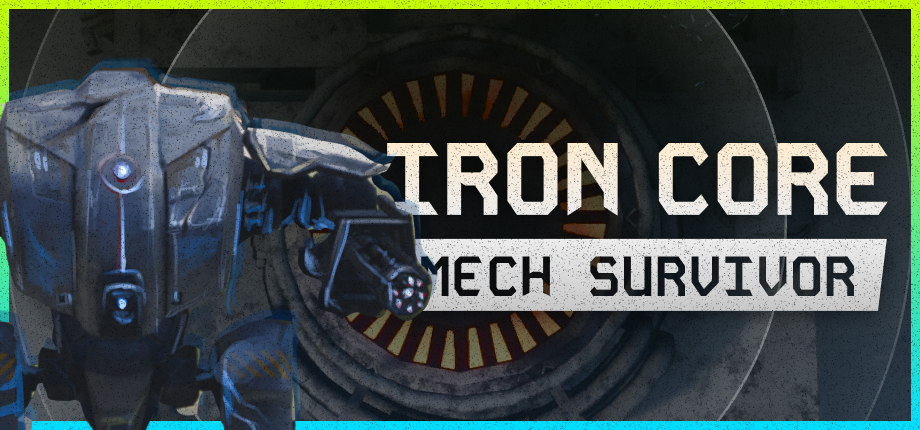
For survivor-like games, the capsule should show the core loop: a character, enemies, and upgrade choices. Astro Looter: Survivor uses this formula effectively. Iron Core: Mech Survivor emphasizes the mech and shelter setting.
Step 3: export and iterate
Export separate formats for different platforms: square for Instagram, portrait for TikTok, wide for Twitter. Keep the source canvas with your campaign brief for future iterations.
The key advantage of Vibart AI is that you can re-open any project and make changes without starting from scratch. This is critical for games that are actively being updated.
Frequently asked questions
How do I create a Steam capsule image with AI?
Use a game screenshot as a reference in Vibart AI, generate multiple directions, refine the best option, and add your title as editable text.
Can AI generate all my game marketing assets?
AI can generate most visual assets, but factual claims, prices, and legal text should be added as editable layers in a canvas.
Sources & further reading
Features and availability can change. Use these first-party pages for the latest details.